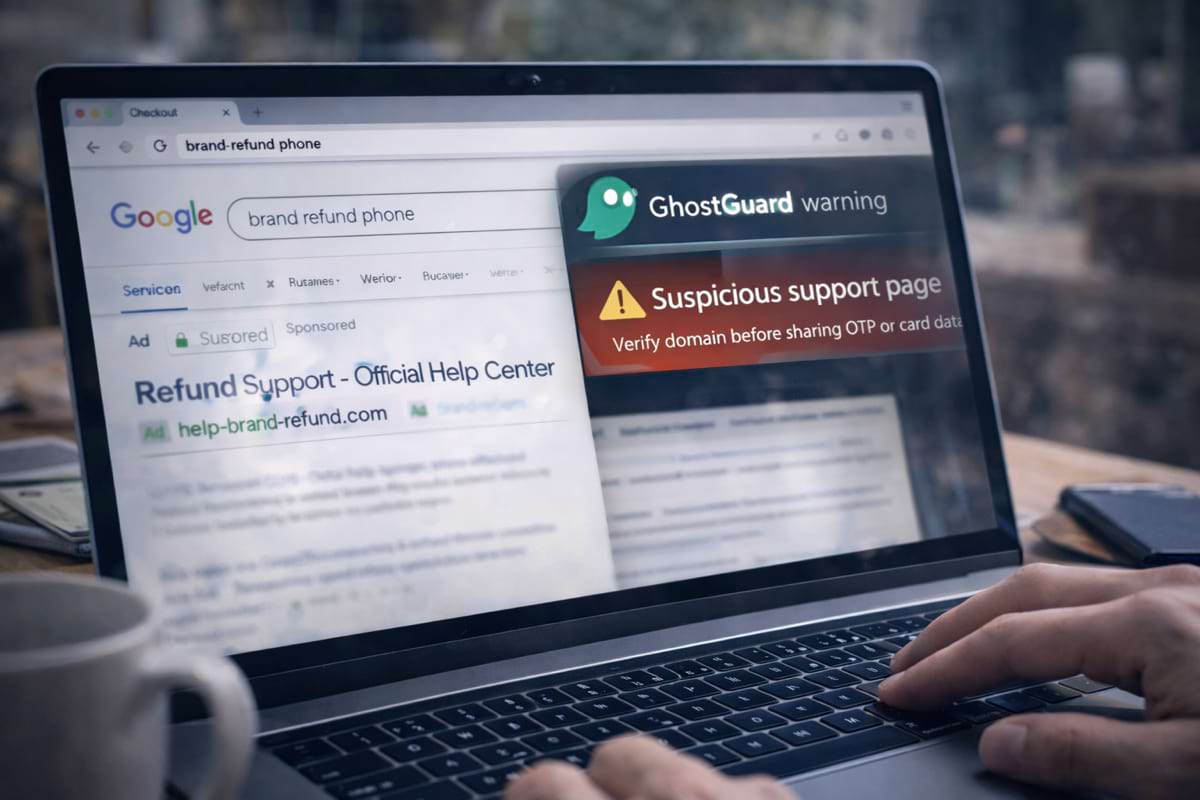
“Support” scams work because they feel reasonable. People are already stressed — refund, chargeback, delivery problem — and want help fast.
The trap is simple: fake contact pages that collect sensitive info (card details, OTP codes, personal data) while pretending to be official.
- Never trust a support link from ads or random search results for refunds/disputes.
- Verify the domain before you share any data (especially card/OTP).
- Use a safe entry point: bookmark / typed URL / official app.
- If support asks for unusual data (full card, OTP, remote access) — stop.
What “fake support” looks like
Common patterns:
- a “Refund / Chargeback” page that asks for card details “to process the refund”
- a fake support chat that requests one-time codes (OTP) or “verification”
- a phone number that claims to be the brand, found via ads or SEO spam
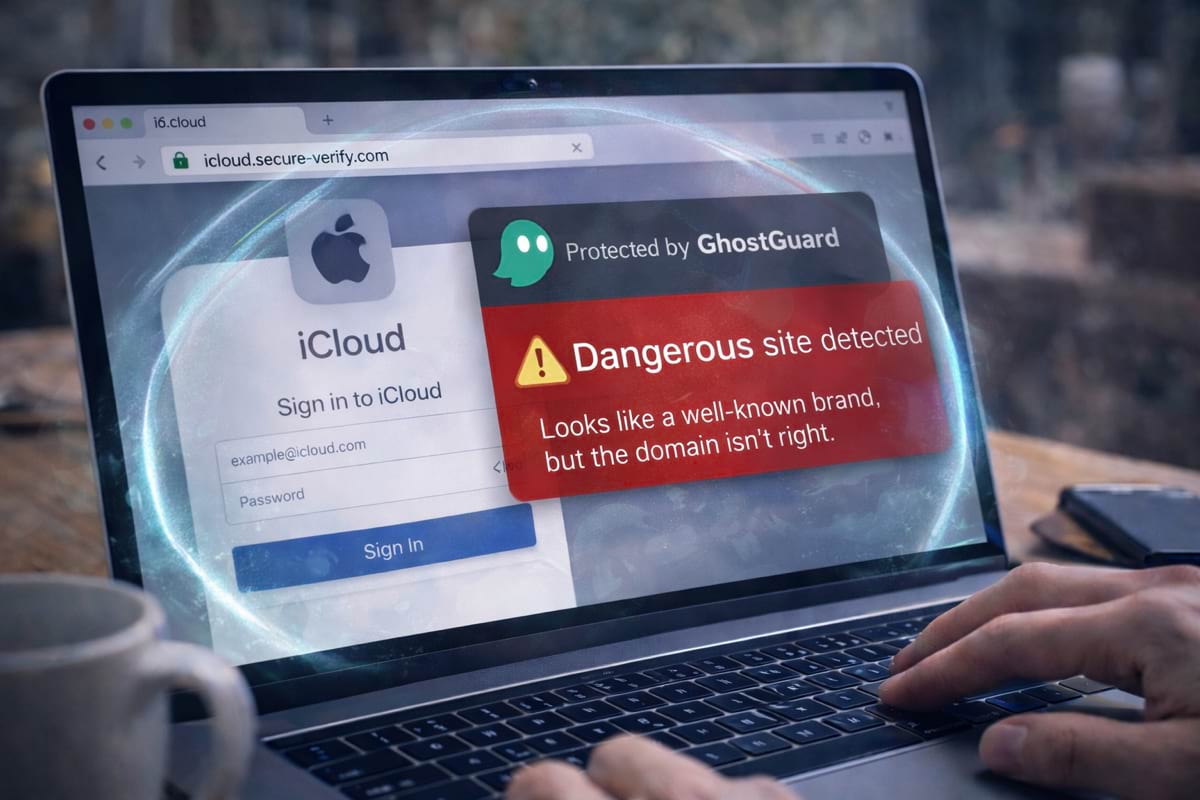
- a “help center” on a look-alike domain
If you want the baseline habit first, start with phishing basics. For domain tricks, see look-alike domains and typosquatting.
Why refunds are a favorite scam topic
Refunds and disputes create urgency:
- “Your refund expires today”
- “Verify your card to receive money”
- “We detected a suspicious transaction — confirm now”
That urgency is the attacker’s advantage. You’re likely to follow instructions without verifying the domain.
The fastest way to verify a contact page
Use this rule:
If you didn’t reach support from a trusted route, treat it as unverified.
Trusted routes:
- official site opened from a bookmark or typed URL
- official app
- official order email you initiated (still verify domain)
- inside your account after you logged in via a safe path
Untrusted routes:
- ads (especially “refund” and “support” queries)
- random “help” links in social posts
- forwarded messages
- suspicious popups
Red flags: what legitimate support usually does NOT ask for
- One-time codes (OTP) or 2FA codesIf someone asks for your OTP, they’re trying to take over your account.
- Full card details to issue a refundRefunds do not require you to share the full card number, CVV, or passwords.
- Remote access / “install this tool”Remote access is a common scam technique. Treat it as high-risk.
- Pressure, threats, or urgency“Final notice”, “refund expires”, “account will be locked” are manipulation patterns.
The “refund form” trap (why it works)
A fake refund form often looks professional and asks for:
- full name, address, date of birth
- card number + CVV “to verify”
- banking credentials “to process refund”
- a phone number to move you to a call scam
If you’re worried about checkout scams too, see fake checkouts and payment traps.
What to do if you already shared information
If you shared:
- OTP / 2FA code: change password immediately, revoke sessions/devices, enable stronger 2FA
- card details: contact the bank, freeze/monitor, enable alerts
- account password: change it on the real site via safe path, and anywhere else you reused it
If you shared OTP codes, passwords, or card details with “support”, treat it as compromised. Time matters more than perfect certainty.
How GhostGuard fits into this
GhostGuard warns before sensitive actions on suspicious pages — especially when the domain or flow doesn’t match common safe patterns. It helps reduce the “I clicked the first support result” mistake.
Try it via download options. Team pricing and deployment options are on /pricing.
FAQ
Can ads in search results be fake?
Yes. Scam support pages often run ads for “refund” / “support” keywords.
What’s the safest way to contact support?
Open the brand site from a bookmark/typed URL, then navigate to Support inside your account.
Is a support chat always safe?
No. Verify the domain first. Fake chats are common on look-alike domains.
Summary
- Support/refund topics are high-risk because they create urgency.
- Verify the domain and use safe entry points.
- Legitimate support won’t ask for OTP, full card details, or remote access.