
A lot of online fraud doesn’t start with “hacking”. It starts with a checkout page that looks believable. The scam is to move you from a normal browsing mindset into a payment decision before you verify what’s happening.
This guide is focused on real buying behavior — when you’re tired, in a rush, or shopping from your phone.
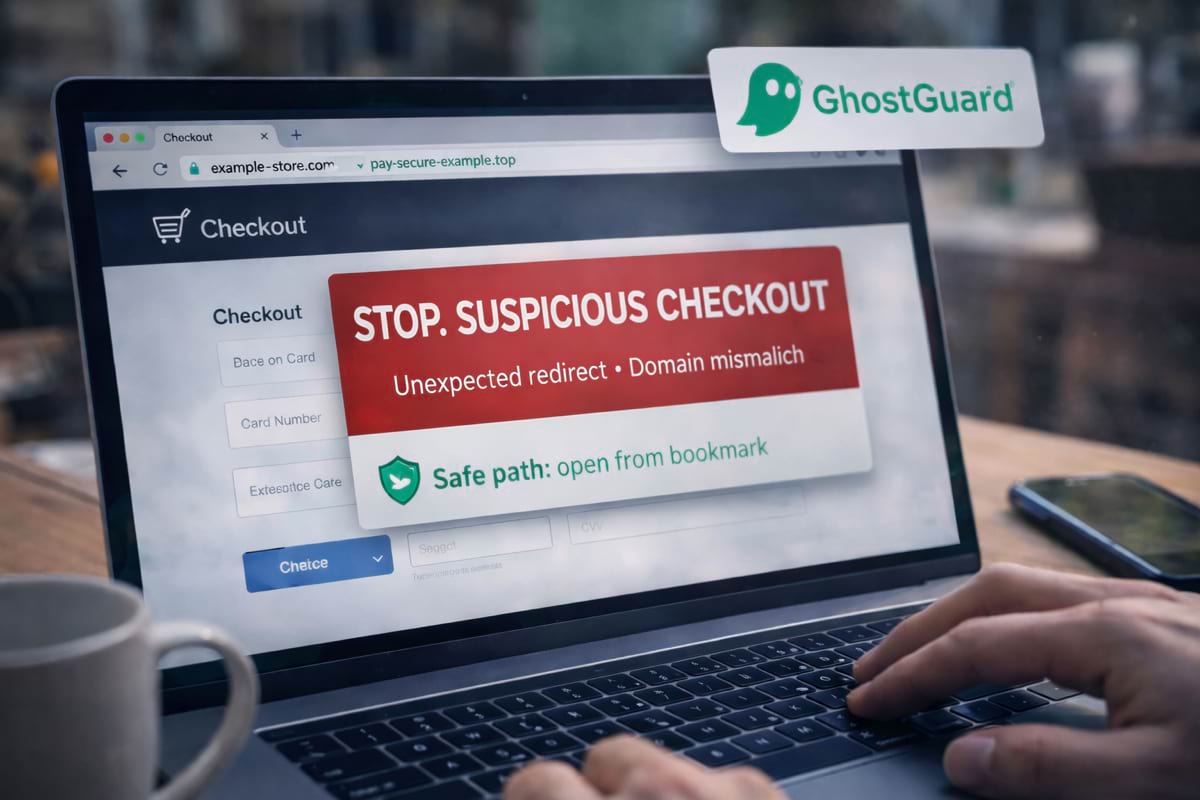
- The domain must stay consistent — unexpected redirects are a red flag.
- Be skeptical of “refund/support/verification” flows — they often collect extra data.
- If you’re unsure, stop and re-open the store from a bookmark or typed URL.
- If you already entered card details, act quickly (bank alerts / freeze / monitor).
What counts as a “fake checkout”?
A fake checkout is any payment flow designed to collect your card details or push you into a payment you didn’t intend. Common versions:
- a cloned checkout UI on a look-alike domain
- a payment redirect to a domain you’ve never seen before
- a “deposit / verification” payment request that makes no sense
- a refund/chargeback page that asks for card or banking details
Sometimes the store itself is fake. Sometimes the store is “semi-real” but the payment step is unsafe.
If you want the broader “how to spot risky links” baseline first, start with phishing basics. For domain impersonation techniques, see look-alike domains and typosquatting.
The three moments scammers target
1) Before payment
A “limited time” or “only 2 left” banner pushes urgency.
2) During payment
You’re focused on entering details, not on reading the address bar.
3) After payment
You get redirected to “verification”, “support”, “refund”, where even more data is requested.
The fastest safety check: the domain must stay consistent
A safe checkout doesn’t have to be pretty — but it’s usually consistent.
Before you enter card details, check:
- are you still on the store’s domain?
- did you get redirected to a random domain with “pay / secure / checkout” words?
- does the address bar change multiple times?
If the domain changes unexpectedly during checkout, treat it as risky until you can verify what that domain is.
Common payment scam patterns
“Card verification” or “small test charge”
Scammers ask for a small charge to “verify your card”, then continue charging or reuse card details elsewhere.
Fake support or refund pages
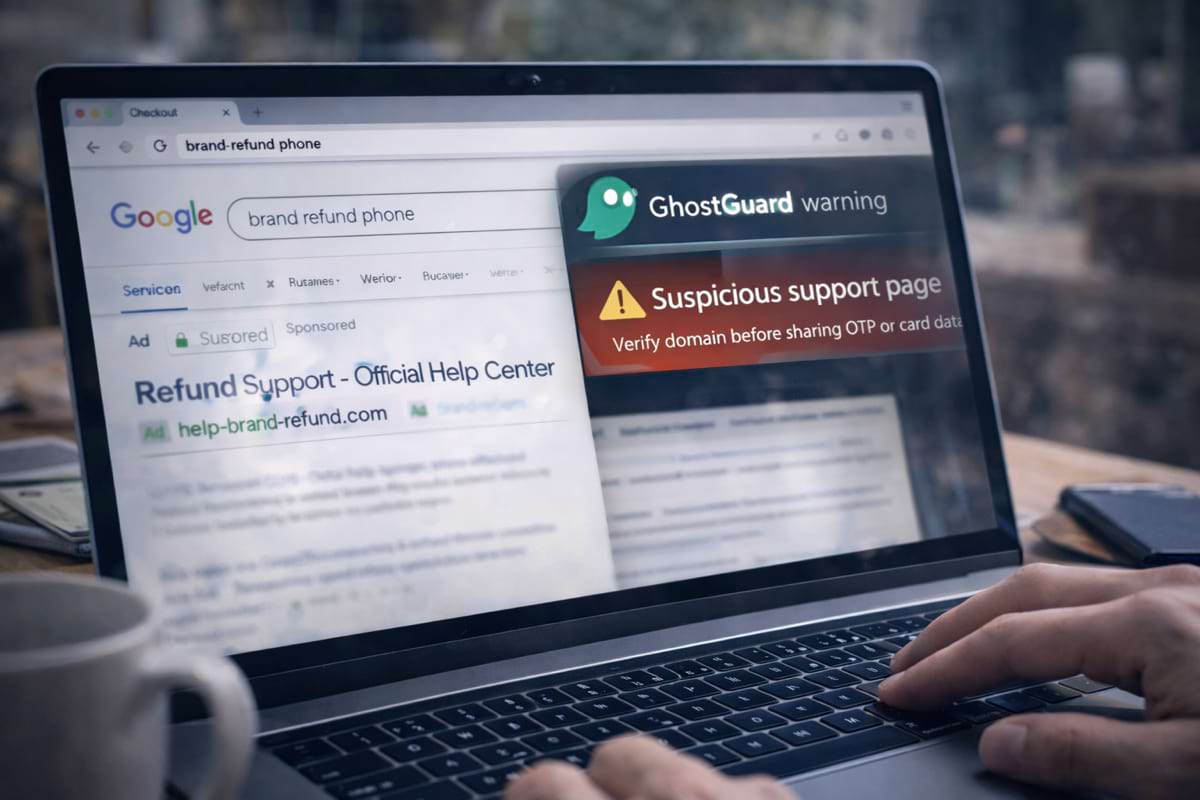
You search “brand refund” and click a sponsored result or a random link. The page asks for card details “to issue refund”.
Payment provider impersonation
A page claims to be “PayPal support” or “Stripe verification”, but the domain isn’t the provider’s.
Too-good-to-be-true pricing with pressure
Huge discounts + countdown timers + “last chance” are often a signal to slow down.
60 seconds before you pay: a practical flow
Checklist: signs a checkout is suspicious
- Unexpected domain changesYou started on one site and ended up on another domain you don’t recognize.
- The checkout asks for unusual informationA normal card payment should not require extra sensitive data beyond the basics.
- The refund page asks for card/banking detailsRefund scams often request “verification” details that legitimate support won’t need.
- The site is hard to verifyNo real company info, no reliable contact, and the domain is recently created or oddly named.
What to do if you already paid on a suspicious page
If you paid and feel unsure afterward, do the boring steps fast:
- Contact your bank/card provider (freeze or monitor the card).
- Check recent transactions and set alerts.
- Change passwords if you created an account on that site.
- Keep screenshots/order details — they help disputes.
If you entered card details on a page you don’t fully trust, it’s safer to act immediately than to wait for proof.
How GhostGuard fits into this (briefly)
GhostGuard is built to warn before sensitive actions on suspicious pages — especially when the domain or the flow doesn’t match expected safe patterns. It’s not magic, but it reduces the risk of “I didn’t notice the address bar”.
If you want to try it, see download options. For teams, pricing and deployment options are on /pricing.
FAQ
Is every redirect during checkout a scam?
No. Some stores use trusted providers. The key is whether the redirect is expected and verifiable. If you can’t confidently explain why you’re on that domain, pause.
Should I trust “refund” pages from search results?
Be careful. Refund/chargeback keywords are popular for scams and ads. Prefer navigating from the official brand site or official support portal.
What if a site uses a weird TLD like .top or .xyz?
It doesn’t guarantee a scam, but it’s common in fraud because it’s cheap and easy to rotate. Use extra caution and verify the company identity.
What’s the fastest safe path if I’m unsure?
Close the page and re-open the store from a bookmark or typed URL, then navigate to checkout again.
Summary
- Fake checkouts rely on urgency and attention overload.
- Domain consistency matters: unexpected redirects are a common red flag.
- Use a repeatable 60-second flow before you pay.
- If something feels off, stop and verify via a trusted route.