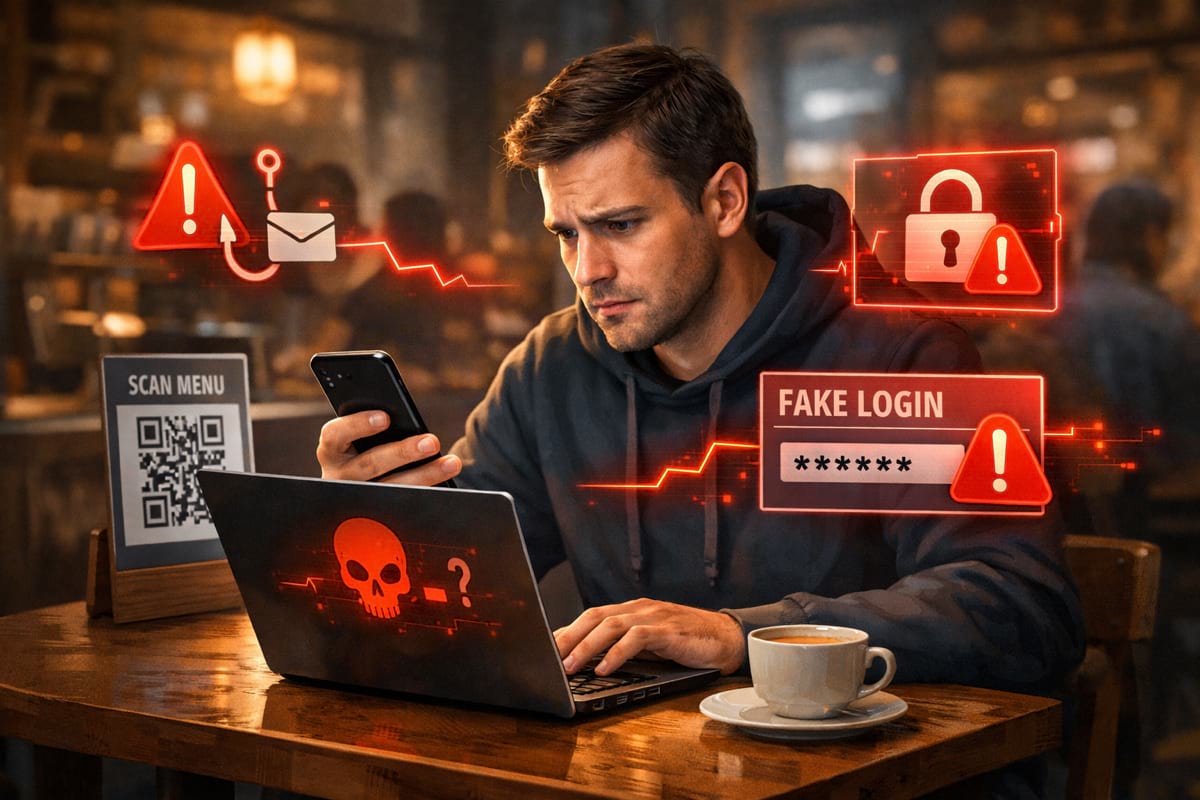
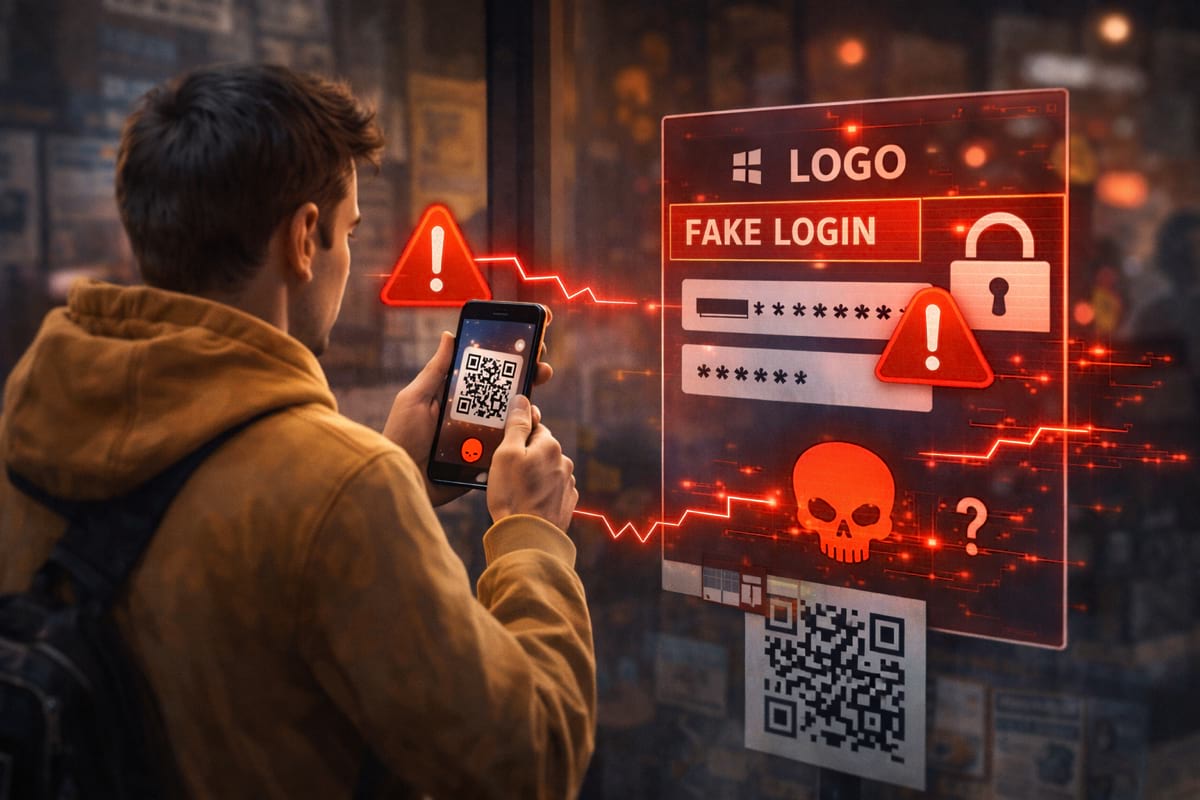
QR codes are convenient — and that’s exactly why attackers use them. A QR code can hide a malicious link behind a “scan to pay / scan to sign in / scan to verify” message.
This is often called QR phishing or quishing.
- Preview the URL before opening it (most camera apps show it).
- Verify the domain before login or payment — QR codes can hide look-alikes.
- Be suspicious of “verify / refund / secure” QR prompts.
- When unsure, open the brand/app directly instead of scanning.
What is “quishing”?
Quishing is phishing that uses QR codes to:
- send you to a fake login page
- redirect you to a fake checkout or payment page
- trick you into “verification” flows that steal data
The QR code itself isn’t magical — it’s just a shortcut to a URL. The risk is where it leads.
Where QR phishing commonly happens
1) “Parking fine” / “pay here” stickers
A scam QR code is placed over a real one (public places are common).
2) Restaurant menus and public posters
Attackers rely on “people don’t think twice”.
3) Email / SMS attachments
You’re told to scan to “secure your account” or “verify delivery”.
4) Office and team environments
Fake “SSO login” / “security update” codes targeting employees.
If you want the baseline anti-phishing habit first, read phishing basics. For domain impersonation, see look-alike domains and typosquatting.
The key problem: QR removes the “link inspection” moment
With normal phishing, users sometimes hover or inspect a link.
With QR codes, people often go straight to:
- open → login → pay
So we need a replacement habit.
A practical safe-scanning flow
Red flags that a QR code is suspicious
- The QR code is a sticker over another codeClassic public-space attack (parking meters, posters, kiosks).
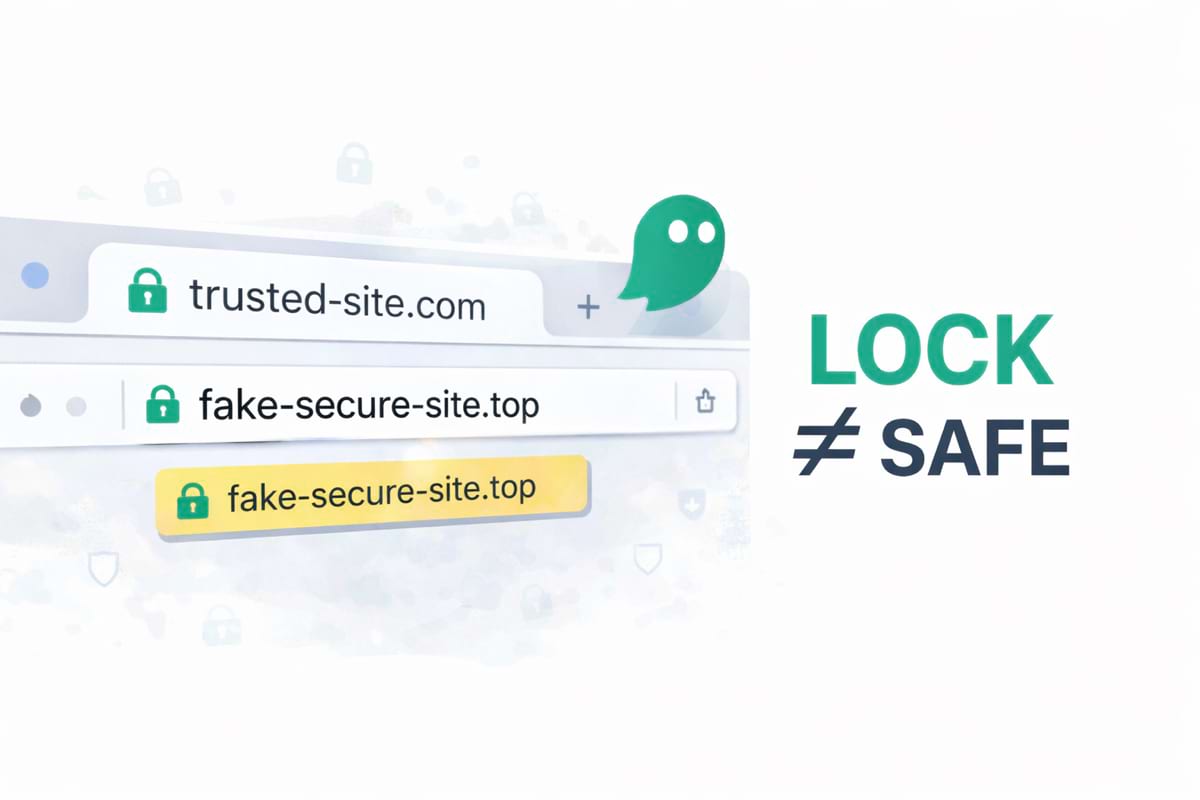
- The domain is unfamiliar or oddly namedExtra words, swapped letters, strange TLDs (.top/.xyz/.icu) — pause.
- It pushes urgency“Pay now”, “verify within 10 minutes”, “final notice” — common scam pressure.
- It asks for unusual dataOTP codes, full card details, or extra personal data that doesn’t match the context.
QR codes + payments: extra caution
Payment QR codes can be legitimate (especially inside trusted apps), but the risk rises when:
- you’re scanning a random poster/sticker
- the page opens a web checkout on a new domain
- it asks for “verification” or “support” details
If you’re unsure about payment redirects, read fake checkouts and payment traps.
What to do if you already scanned and entered data
If you entered:
- password: change it immediately on the real site, revoke sessions, enable 2FA
- card details: contact bank/card provider, monitor, enable alerts
If you entered credentials or card data after scanning a QR code you don’t fully trust, act immediately (password reset / bank alerts / freeze). Don’t wait for “proof”.
How GhostGuard can help
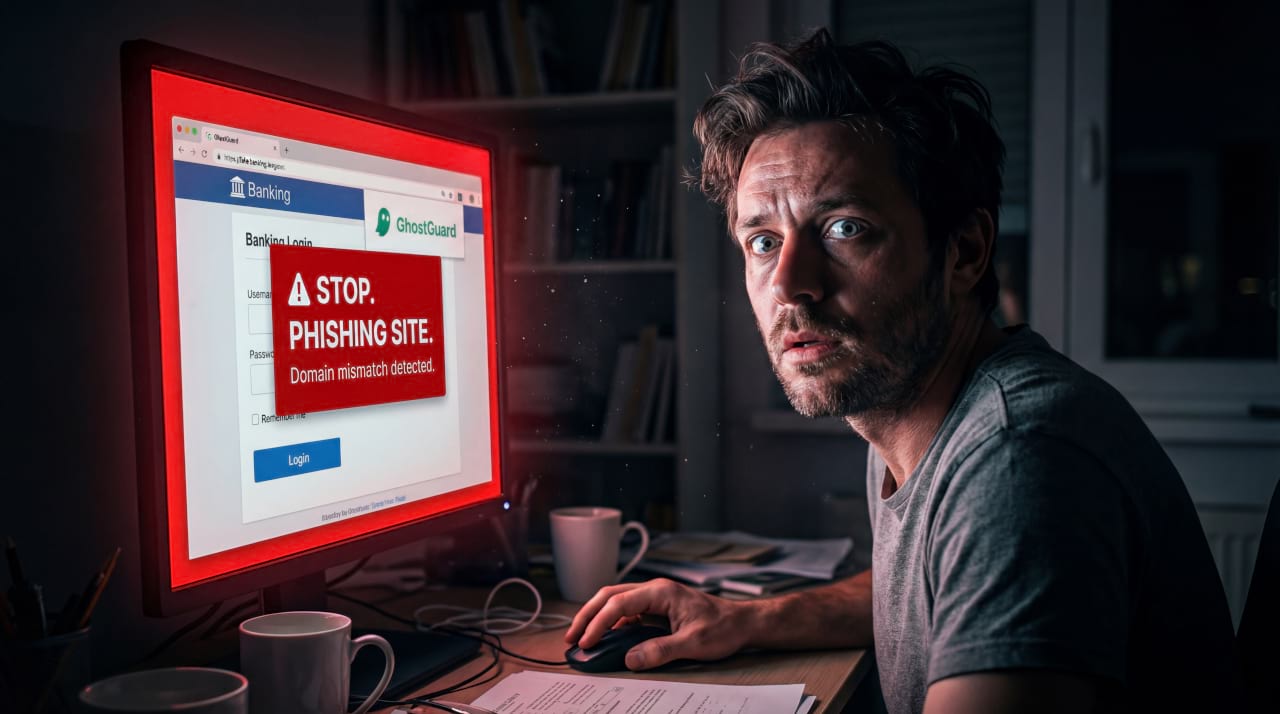
GhostGuard is designed to warn before sensitive actions on suspicious pages — including mobile-style flows that try to rush you into login or payment. It’s warn-only UX with clear signals.
Try it via download options. For teams, see /pricing.
FAQ
Are QR codes themselves dangerous?
Not inherently. The risk is the URL they encode and the fact that users don’t inspect it.
Is scanning from a restaurant menu safe?
Often yes — but still preview the domain. If it asks you to log in or pay, verify via a safer route.
What’s the single best protection?
Verify the domain before login or payment — regardless of whether the link came from QR/email/SMS.
Summary
- Quishing hides risky links behind QR codes.
- Replace “link inspection” with a safe scanning flow (preview → domain → context → safe route).
- Be extra strict when a QR scan leads to login or payment.