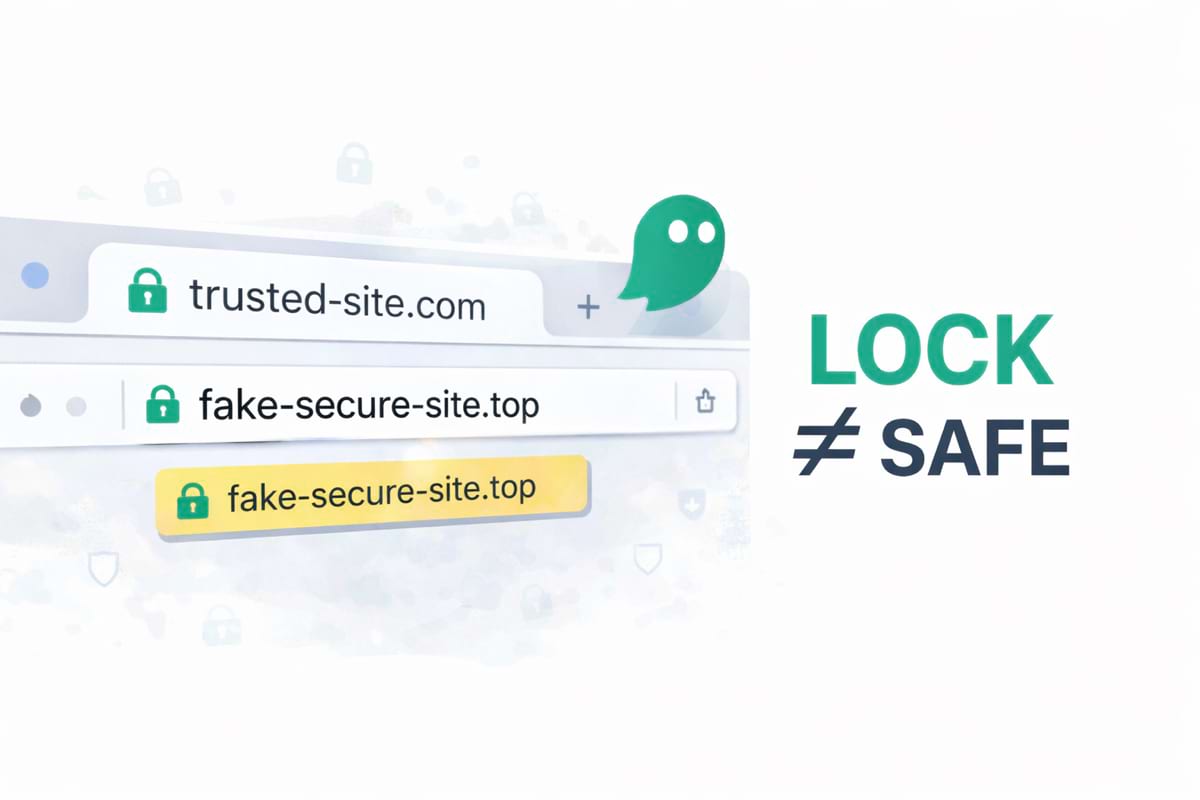
A lot of people treat the lock icon as “this site is safe”. That’s understandable — but it’s not how HTTPS works.
HTTPS protects the connection. It doesn’t prove the site is legitimate. A phishing site can have HTTPS too.
- HTTPS = encrypted connection (your data is harder to intercept).
- HTTPS ≠ the site is real (scam sites can also have a lock icon).
- The real check is the domain — especially before login or payment.
What HTTPS actually means (in plain English)
When a site uses HTTPS, your browser creates an encrypted “tunnel” between you and the website.
That helps protect you from:
- someone reading your traffic on public Wi-Fi
- basic man-in-the-middle attacks
- some forms of connection tampering
But HTTPS does not confirm:
- that the brand is real
- that the checkout is legitimate
- that the support page is official
Why phishing sites can still show a lock icon
Getting HTTPS is cheap and automated. Attackers can:
- register a look-alike domain
- issue a TLS certificate automatically
- deploy a cloned login/checkout page within minutes
If you want a deeper dive on domain tricks, read look-alike domains and typosquatting. For payment traps, see fake checkouts and payment traps.
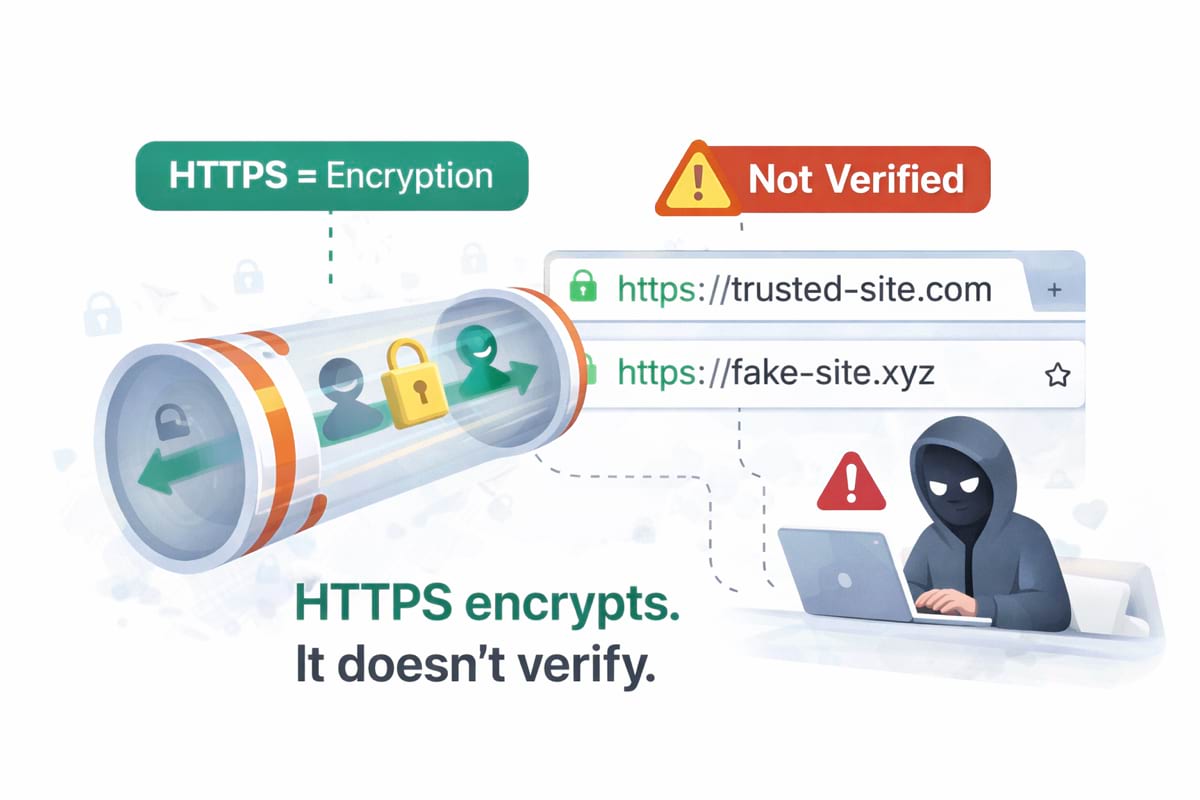
The real safety signal: “Do I trust this domain?”
Before you type a password or enter a card number, answer:
- What is the domain?
- Is it exactly what I expected?
Phishing succeeds when the domain is “close enough” and you’re in a hurry.
- Read the domain slowlyNot the logo, not the page title. The domain in the address bar.
- Watch for look-alikesSwapped characters, extra words, and suspicious endings (.top, .xyz, .icu).
- Be careful with redirectsIf a login or checkout bounces you to an unfamiliar domain, pause.
- Use a safe pathBookmarks, typed URLs, and password managers reduce “I clicked a bad link” risk.
What about “verified certificates” or company badges?
Modern browsers mostly stopped showing special “company verified” UI the way they used to. Even when verification exists, users still get tricked because:
- they don’t check the address bar
- mobile UI hides parts of the domain
- scams rely on urgency and distraction
So the best habit remains: verify the domain.
A practical 20-second flow before login or payment
How GhostGuard fits into this
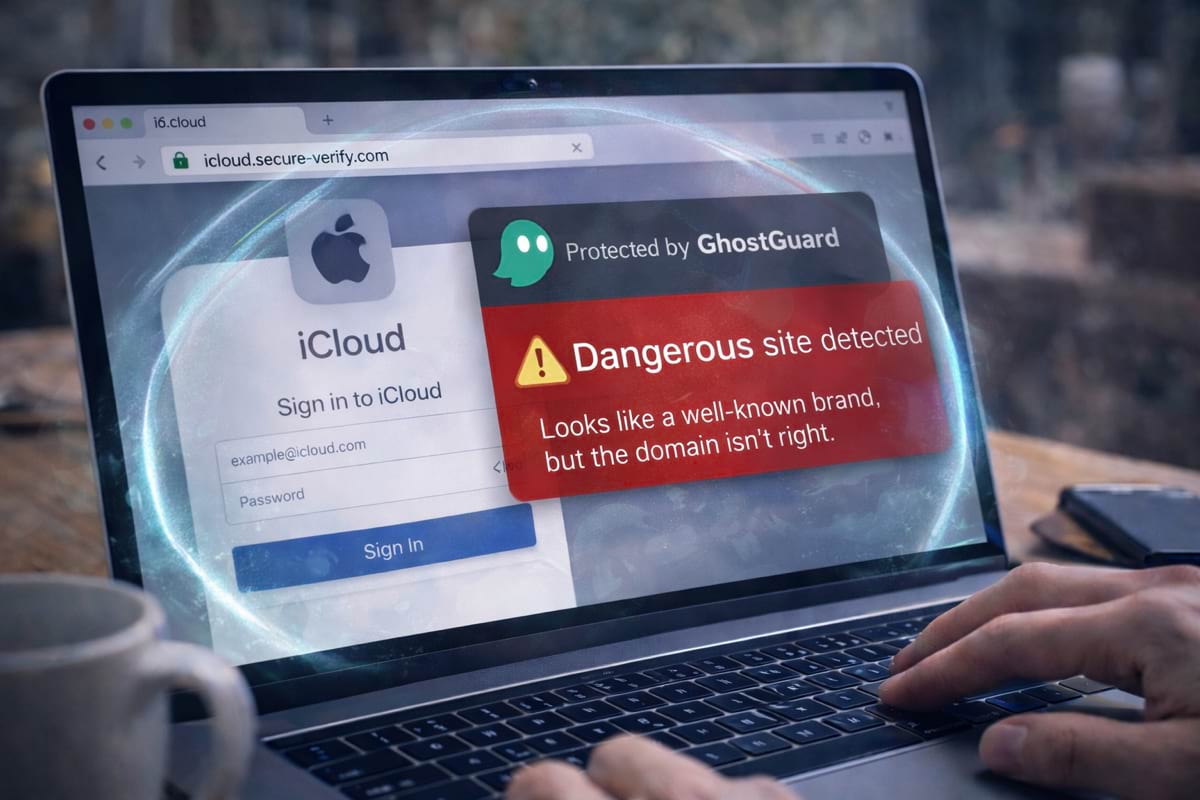
GhostGuard is built to warn you before sensitive actions on suspicious pages — when the domain or flow doesn’t match common safe patterns. It’s “warn-only” UX: clear signals, no silent blocking.
If you want to try it, see download options. If you’re evaluating for a team, see /pricing.
FAQ
Does HTTPS protect me from phishing?
No. It protects the connection, not the authenticity of the website.
Is “http://” always dangerous?
It’s risky for logins and payments because your data may be exposed. But “https://” is still not proof a site is legit.
What’s the single best check?
The domain — especially before login or payment. Start with phishing basics.
Summary
- HTTPS means encryption, not legitimacy.
- Scam sites can have a lock icon.
- The best habit is verifying the domain before login or payment.