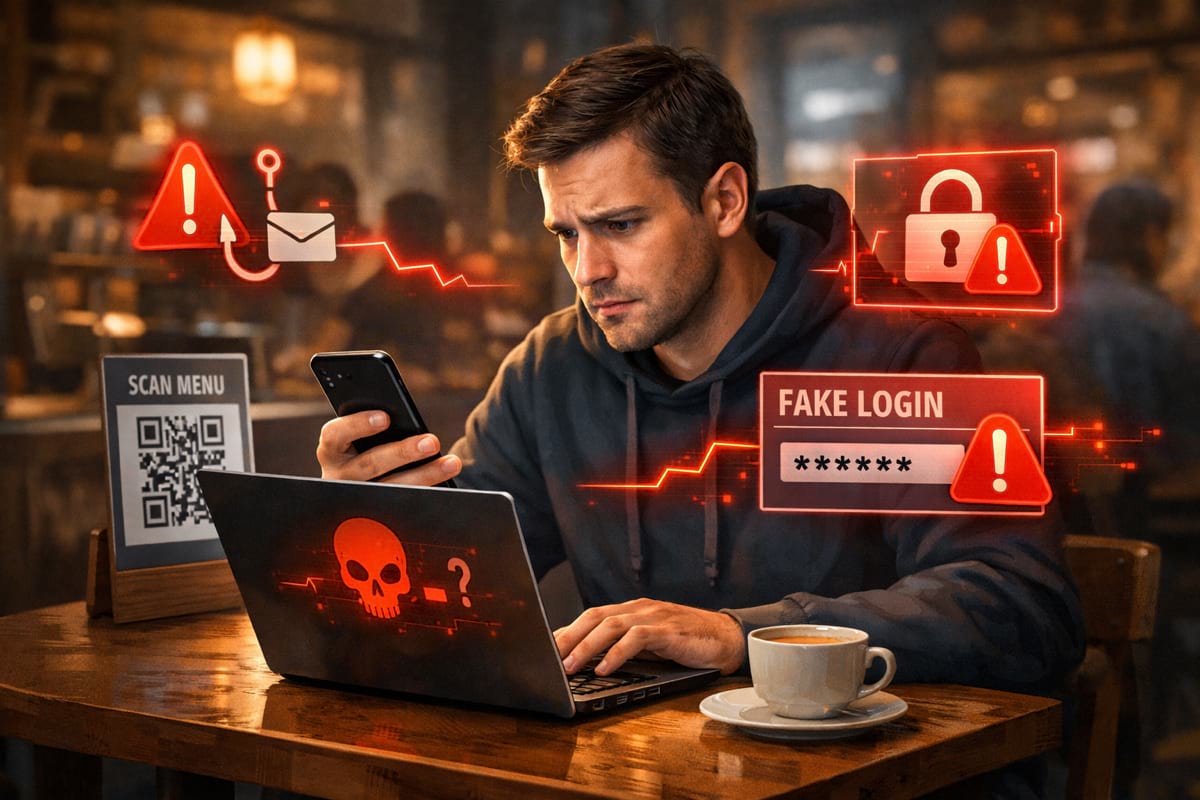
Phishing is still the most common way people lose accounts and money — not because it’s “super technical”, but because it’s designed to look normal. The goal is simple: get you to click, then sign in or pay.
This guide focuses on checks that work in real life: on a busy day, on mobile, with a hundred tabs open.
- Read the domain before login or payment — not the logo, not the page title.
- Pause when the request is unexpected (refund, delivery, “account locked”).
- Use a safe path: bookmark / typed URL / password manager — not the message link.
- If you already entered data, act fast (password reset / bank alerts).
What phishing looks like today
Modern phishing often avoids obvious “Nigerian prince” vibes. Instead it looks like:
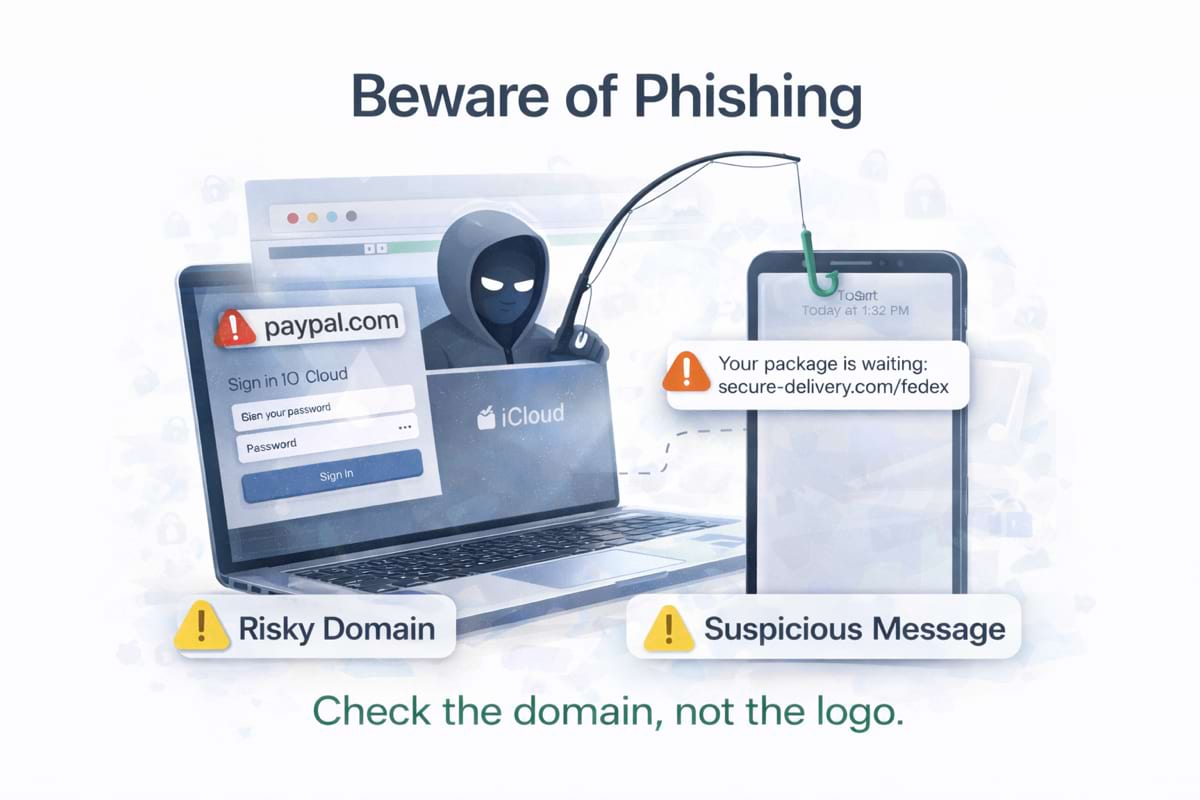
- a delivery update (“Your package is waiting”)
- a payment alert (“Card verification required”)
- a customer support message (“Refund available”)
- an internal work tool notification (“Shared document”, “Password expired”)
The message is rarely the danger. The danger is the link and where it takes you.
The fastest check: read the domain, not the page
Before you type a password or enter a card number, look at the address bar and answer two questions:
- What is the domain? (the main site name, not the page title)
- Is it exactly the domain you expected?
A phishing page can copy logos and UI perfectly. The domain is harder to fake.
If you want a deeper explanation of domain tricks, read look-alike domains and typosquatting. If you’re worried about payment scams, see fake checkouts and payment traps.
Examples of “looks right” but isn’t
account-google.com(not the same asgoogle.com)support-paypal-secure.com(extra words don’t mean “official”)paypaI.com(capital “I” instead of lowercase “l”)google.com.account-security.example(real brand appears inside a longer domain)
If you’re unsure, stop and open the brand’s site from your own bookmark or by typing it manually, then navigate from there.
Common phishing patterns you’ll see
1) Urgency and consequences
Phrases like “within 10 minutes”, “final notice”, “account locked”, “refund expires” are designed to reduce thinking time.
2) A “safe-looking” page after a redirect
A link may briefly open a real page, then redirect to a fake login or payment step.
3) Fake “support” or “refund” pages
Scammers love “support” because users expect to share personal details there.
4) Brand impersonation (look-alike domains)
One of the most effective techniques. The domain is “close enough” to bypass quick attention.
A quick 60-second flow you can reuse
Checklist: before you sign in
- The domain matches the real brandNot “close enough”, not extra words, not a different ending — exactly what you trust.
- The login flow looks normal for that brandUnexpected “verify card” steps or extra prompts can be a red flag.
- No strange redirectsIf the address bar changes multiple times before login, stop and verify.
- You didn’t arrive from a random messageFor sensitive actions, prefer bookmarks or typed URLs over links in emails/SMS/DMs.
Checklist: before you pay
Payment phishing is often more subtle than login phishing. A fake checkout can look “professionally designed”.
- The store domain is the store domainNot a separate payment site you’ve never seen, not a new domain mid-checkout.
- The payment provider is expectedIf you expected Apple Pay / PayPal / Stripe and see something unfamiliar, pause.
- The address bar stays consistent during checkoutPhishing checkouts often bounce you through multiple domains quickly.
- You can find the same product page againIf the product page only exists via that one link, be extra cautious.
What to do if you clicked a suspicious link
If you clicked but didn’t enter anything: you’re probably fine — but close the page and be cautious.
If you typed a password:
- Change the password on the real site (from a safe path).
- Enable 2FA if available.
- Check “recent activity / devices / sessions”.
- If you reuse passwords, change them elsewhere too.
If you entered a payment card:
- Contact the bank or card provider.
- Monitor transactions.
- Consider freezing the card temporarily.
If you typed credentials or card data on a page you don’t fully trust, act immediately. Time matters more than perfect certainty.
How GhostGuard can help (without getting in the way)
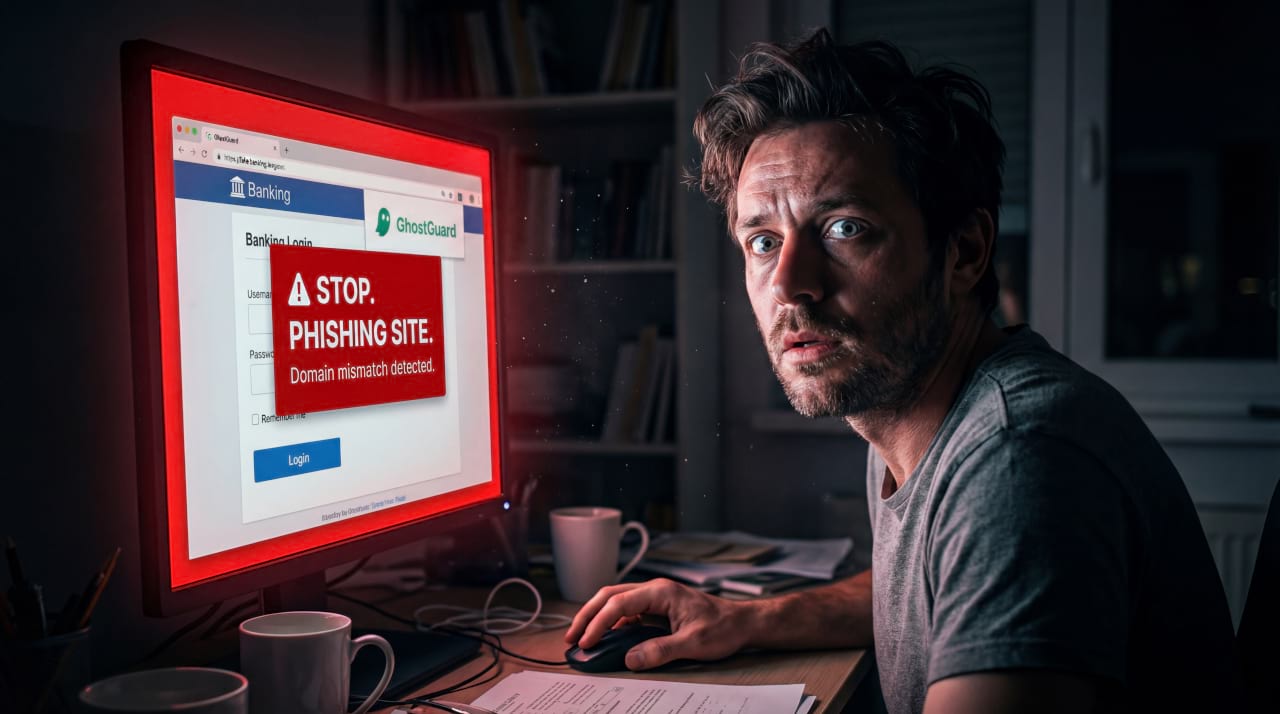
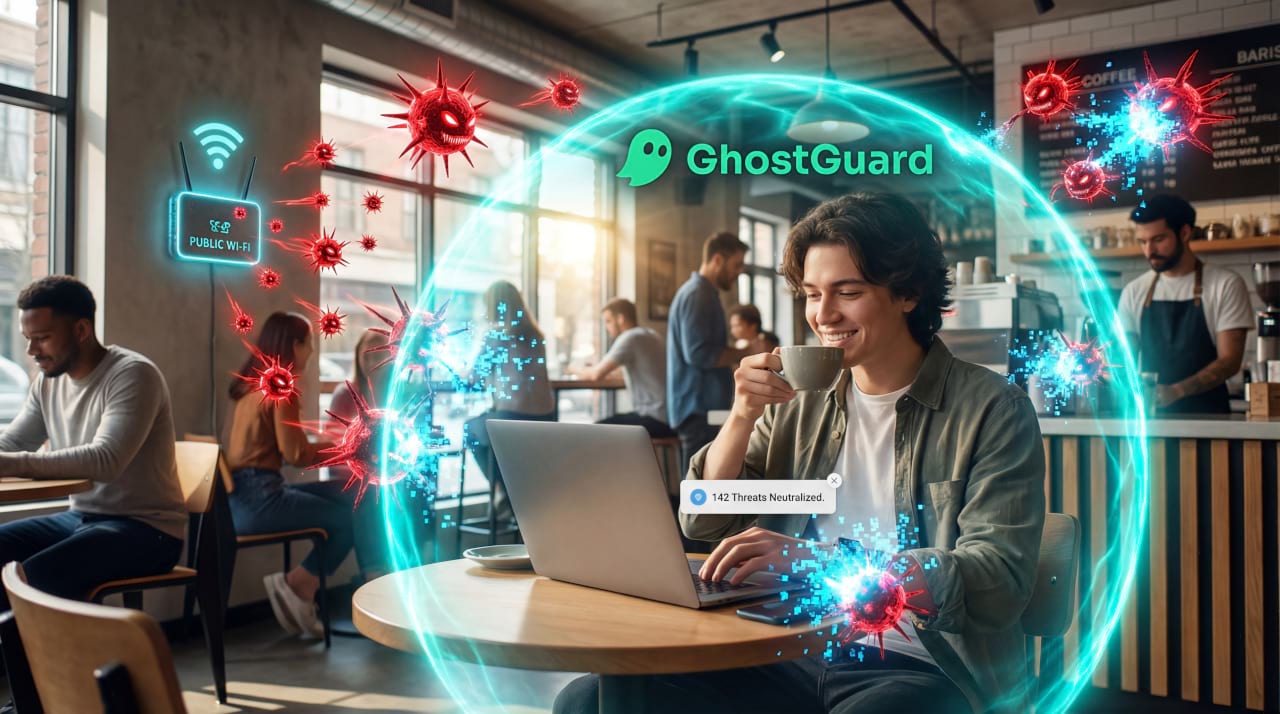
GhostGuard is designed to show a clear warning before sensitive actions on suspicious pages — especially when something about the domain or flow doesn’t match common safe patterns. It’s not a replacement for basic checks, but it helps reduce “I was in a rush” mistakes.
If you want to try it, see download options. If you’re evaluating for a team, see /pricing.
FAQ
What is the #1 sign a link is risky?
A domain that is not exactly what you expected — especially before login or payment.
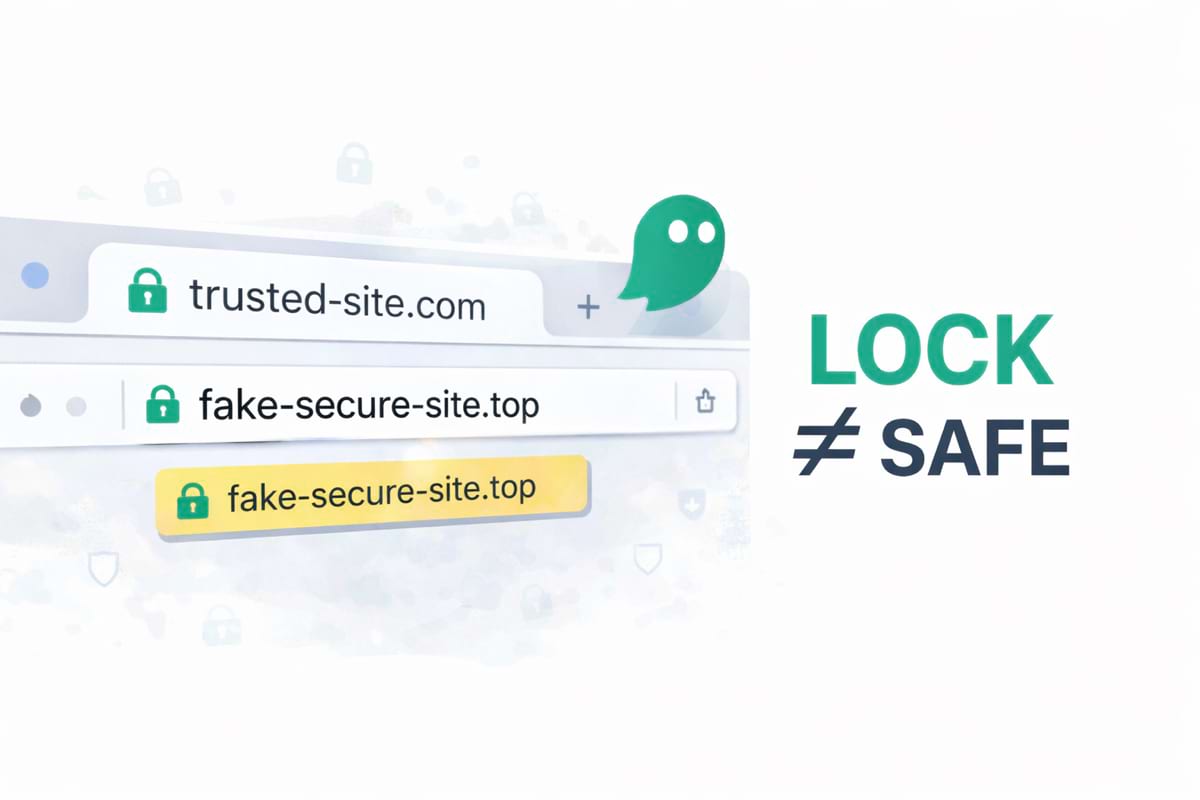
Is a lock icon (HTTPS) enough?
No. HTTPS only means the connection is encrypted. Scam sites can have HTTPS too.
Are phishing links only in email?
No. They’re common in SMS, social DMs, ads, and even fake support pages found via search.
What should I do if I’m not sure?
Stop and re-open the brand from a bookmark or typed URL. If the request is real, you’ll be able to complete it safely.
Summary
- Phishing succeeds when it steals your attention and time.
- The best habit is reading the domain before login or payment.
- Use a simple repeatable flow (pause → domain → context → safer path).
- When in doubt, don’t continue on the link — go via a trusted route.